GitHub Developer Tools to Optimize Your Profile & Get Hired in 2026
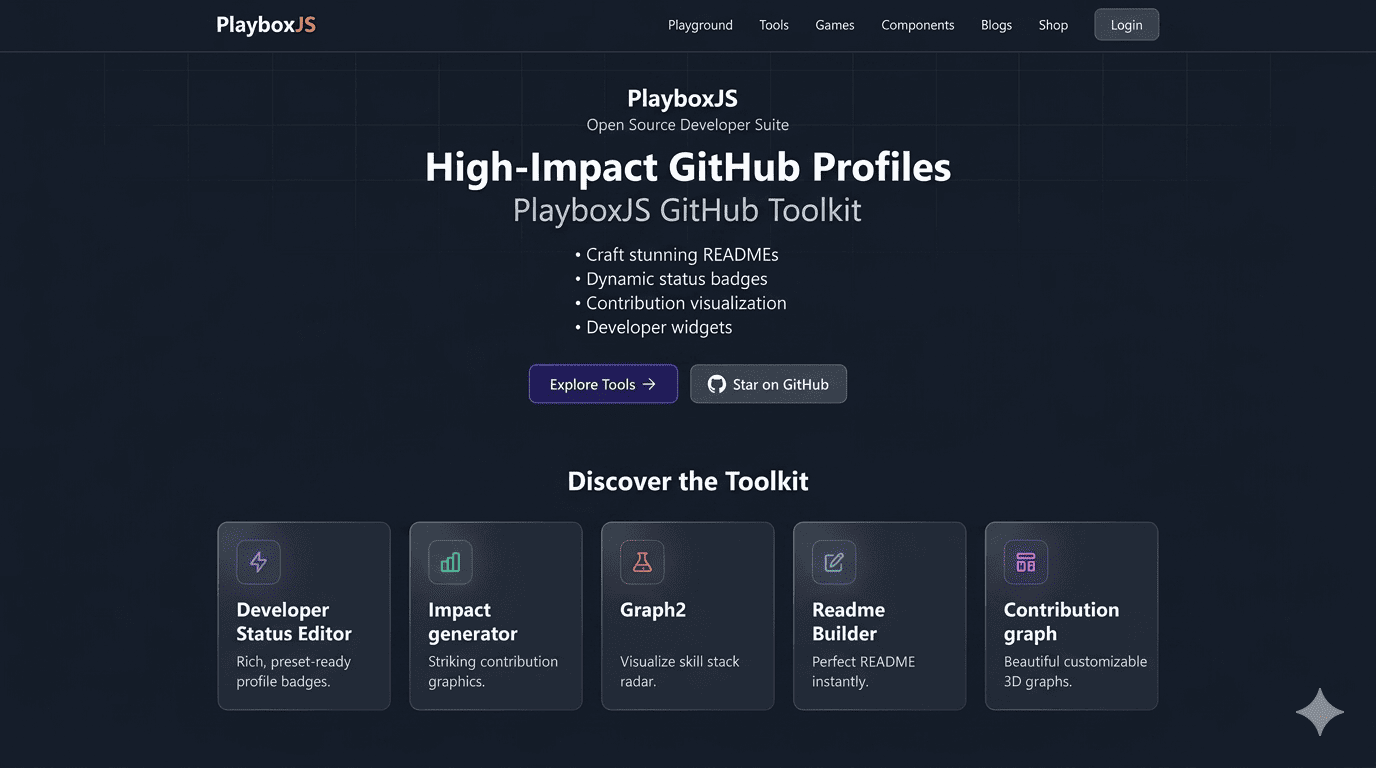
In the hyper-competitive 2026 engineering market, a standard resume is just a piece of paper. The real heavy lifting is done by your digital identity. If you want to know how to get hired using GitHub, you need to look beyond just writing code. You need to master developer portfolio optimization.
Your GitHub profile is your most powerful tool to improve GitHub visibility and land high-paying roles at top-tier tech companies. However, most developers still have cluttered, impersonal profiles that fail to capture a recruiter’s attention in the critical first 10 seconds.
This guide explores the best tools for developers in 2026 and provides a comprehensive strategy for GitHub profile for jobs. Using the advanced suite of GitHub Developer Tools from PlayboxJS, you can transform your profile into a high-conversion professional landing page.
Why Developer Portfolio Optimization is Non-Negotiable in 2026
The hiring landscape has shifted. In 2026, companies aren’t just looking for “coders”; they are looking for engineers who can communicate value, demonstrate consistency, and maintain high standards of documentation.
1. The Death of the “Passive Resume”
Recruiters now use AI-driven tools to scan GitHub profiles for specific behavioral signals. They are looking for “Proof of Impact.” If your profile doesn’t quickly signal your technical depth, you’re missing out on the best opportunities.
2. Proof of Collaboration and Impact
With remote and asynchronous work being the standard, your ability to document and present your work is as important as the code itself. GitHub profile optimization allows you to showcase your PR frequency, code review contributions, and overall community impact visually.
3. Professional Branding vs. Hobbyist Coding
A “hobbyist” profile looks like a collection of folders. A “professional” profile looks like a brand. Mastering your developer branding on GitHub tells hiring managers that you understand the professional requirements of the industry.
5 Common Mistakes That Kill Your GitHub Visibility
Before you can improve GitHub visibility, you must stop the “silent killers” that are pushing your profile down the search results.
- The Invisible Profile (Missing README): If you don’t have a Profile README, you are invisible to recruiter-side search tools.
- Stale Repository Listings: Pinned repos that haven’t seen a commit in 18 months suggest you’ve stopped growing.
- Ambiguous Project Descriptions: Titles like “MyProject-v1” tell no one anything. Use SEO-rich, descriptive titles.
- Lack of Visual Hierarchy: A wall of text is never read. Use lists, bolding, and high-quality graphics.
- Broken Internal Links: Dead links to your blog or portfolio site suggest a lack of attention to detail—a critical flaw for an engineer.
Best GitHub Developer Tools for Your 2026 Job Search
To truly stand out, you need a specialized toolkit. PlayboxJS has built the leading suite of GitHub Developer Tools designed specifically for high-performance portfolio optimization.
⚡ Developer Status Editor: Setting the Professional Context
Your status is your “open/closed” sign. The Developer Status Editor helps you set a professional context that recruiters instantly recognize.
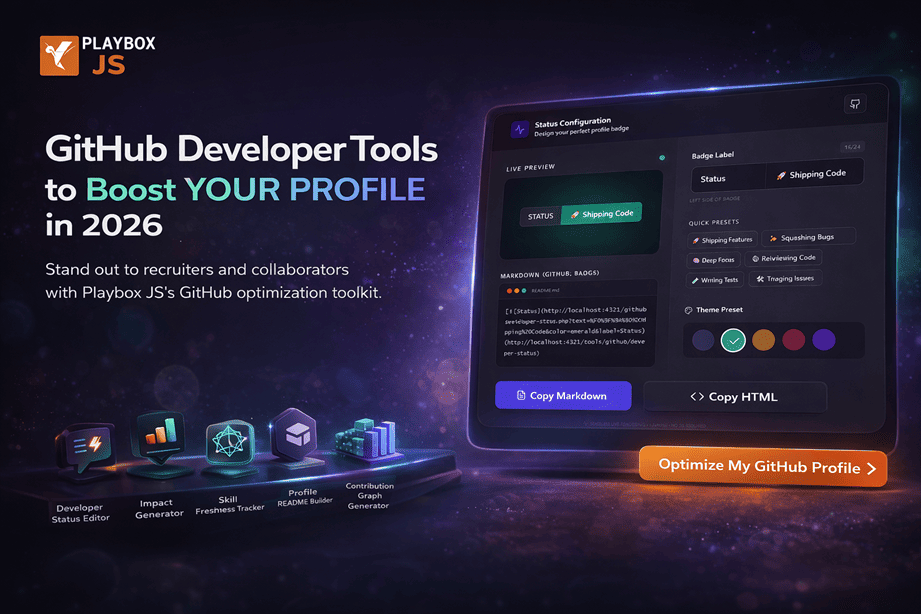
- For Job Seekers: Use a “Ready for New Role” or “Interviewing” badge.
- For Open Source: Use “Maintaining Core Infrastructure” or “Ready to Collaborate.”
- Why it works: It’s a CTR-booster. A visual badge is 5x more likely to be clicked than standard text.
📊 Impact Generator: Visualizing Your Career Growth
Numbers are abstract; visuals are persuasive. The Impact Generator takes your raw contribution data and turns it into a portfolio-ready graphic.
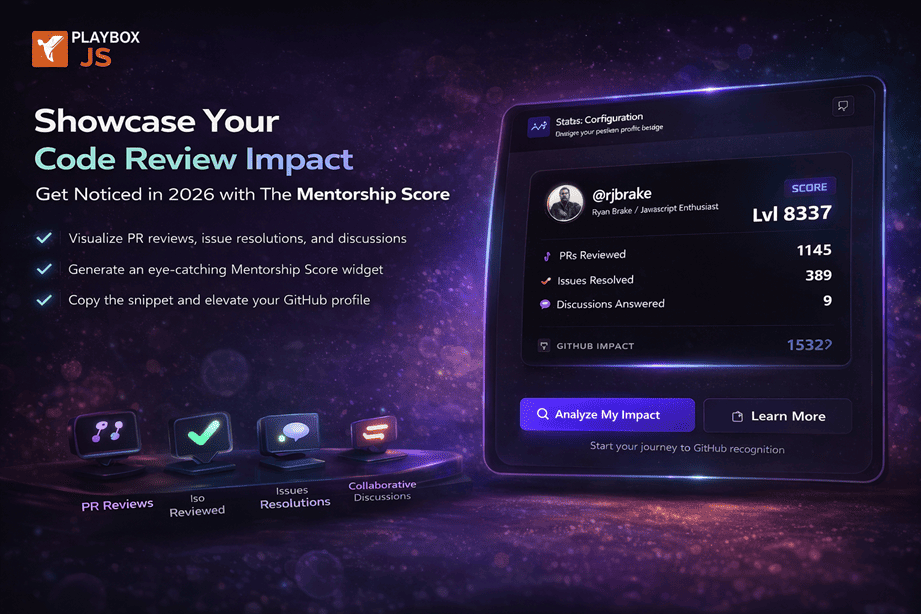
Transactional Tip: Use this tool to highlight your PR-to-Merge ratio. In 2026, being a high-volume closer is a top-tier transferable skill.
📜 Skill Freshness Tracker: The Ultimate Proof of Skill
If you want to get hired using GitHub, you need to prove your skills are current. The Skill Freshness Tracker is a live radar chart that tracks your activity across your tech stack.
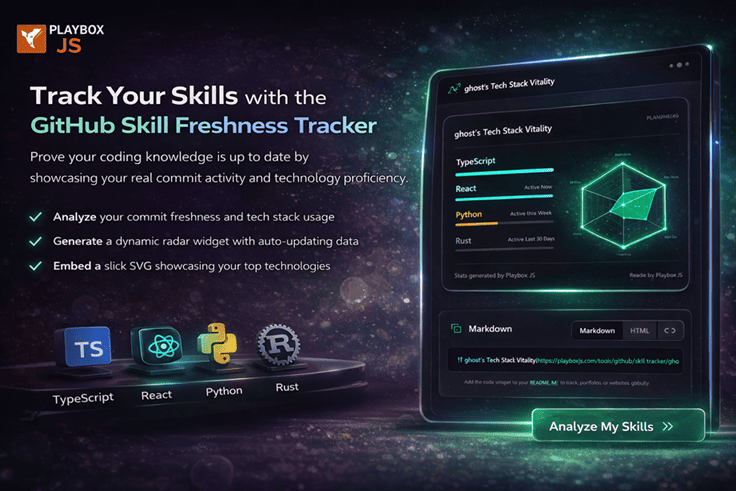
Strategic Benefit: It eliminates “Skill Decay” concerns. If a recruiter sees you’re active in Rust this month, you’ve already passed the first technical screen.
📝 Profile README Builder: Crafting Your High-Conversion Landing Page
The Profile README Builder is a “drag-and-drop” solution for the perfect GitHub home page.
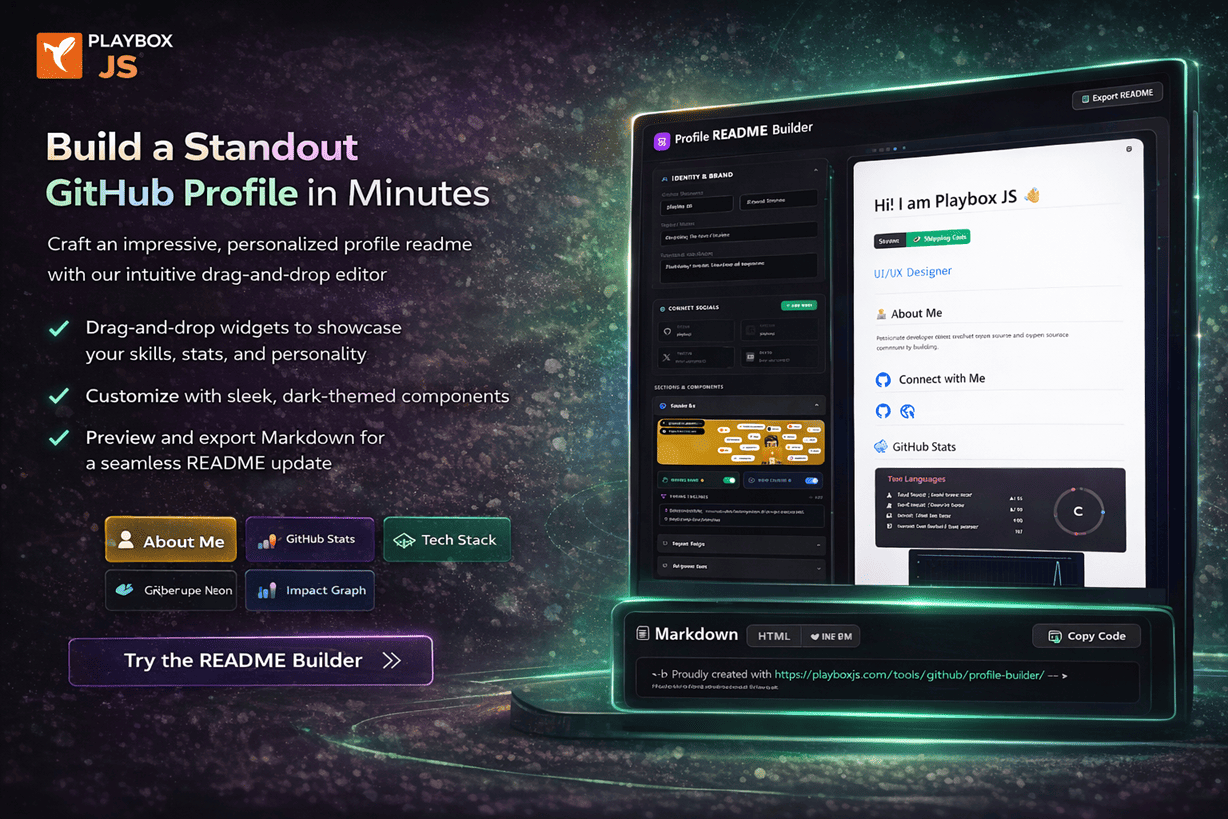
- Scannable Layouts: Automatically adds headers, tech stack icons, and social links.
- Pre-Built Content blocks: Includes “My Impact,” “Currently Learning,” and “Recent Projects.”
🧊 3D Contribution Graph: Memorable Visual Storytelling
Don’t just be another green grid in a sea of developers. The Contribution Graph Generator adds that final layer of “premium” polish.
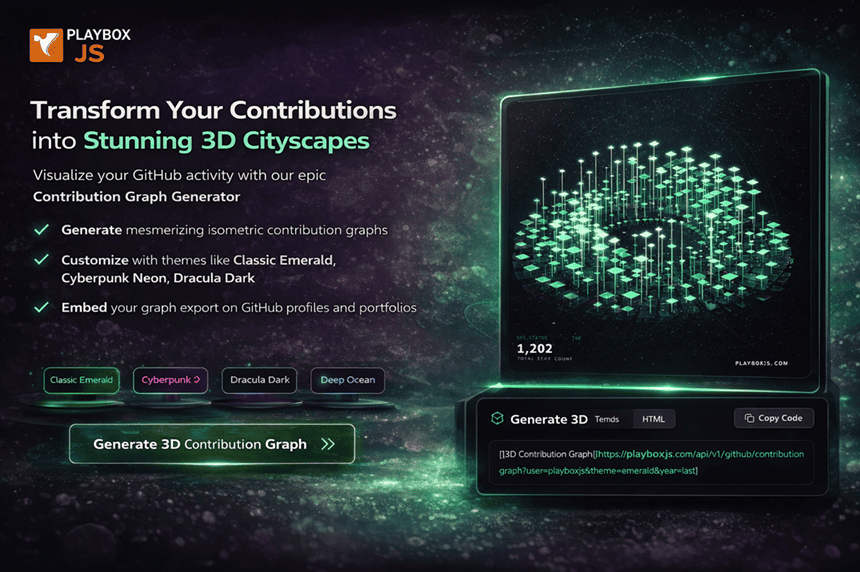
Branding Tip: This is your “Feature Snippet” for visitors. It shows you care about the small things, a trait common in senior and lead engineers.
Step-by-Step Guide: How to Get Hired Using GitHub
Follow this checklist to optimize your profile for the 2026 market.
- Audit Your Pins: Unpin low-impact projects. Pin only your top 3-4 repos that show architectural complexity.
- Define Your Header: Use the README Builder to state clearly what value you bring. (Example: “Backend Engineer | Scaling Node.js Microservices for 1M+ Users”).
- Inject Data Proof: Add your Skill Freshness Tracker to the top fold of your README. Proving recent activity is non-negotiable.
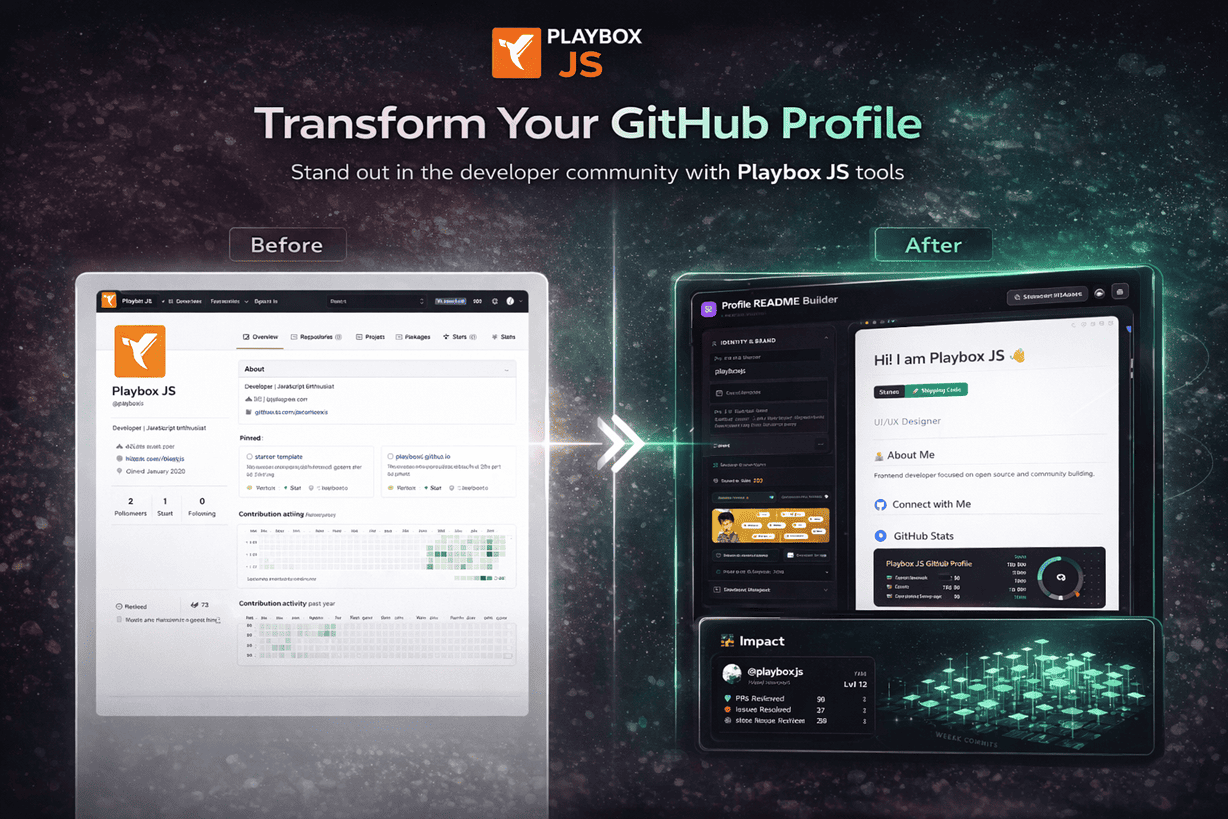
- Visual Consistency: Use the Developer Status Editor to choose a theme that matches your personal website or professional headshot.
- Final Polish: Generate and embed your 3D Contribution Graph to show long-term consistency and dedication.
Top Best Practices for Developer Branding & Visibility
- Keyword Optimization: Use “Developer Portfolio Optimization” in your README bio for better reach.
- Regular Updates: A “Stale” profile is a “Dead” profile. Set a calendar reminder to update your status bi-weekly.
- Link to Everything: Your GitHub should be the hub. Link back to LinkedIn, your personal blog, and your Twitter/X.
- Include “Action” Keywords: Use words like “Built,” “Scaled,” “Optimized,” and “Architected” in your project descriptions.
- Mobile First: 30% of recruiters check profiles on the move. Test your README on your phone.
FAQ: GitHub Profile Optimization & Careers
1. How can I improve my GitHub visibility for recruiters?
Focus on your Profile README. Use a clear bio, SEO-optimized keywords, and visual tools like the PlayboxJS Skill Tracker to prove your recent activity.
2. Is GitHub really better than a LinkedIn profile for developers?
For developers, GitHub is “Proof.” LinkedIn is “Promise.” You need both, but GitHub is where the technical validation happens.
3. What are the best tools for developers in 2026?
The PlayboxJS suite (README Builder, Skill Tracker, Status Editor) leads the market for GitHub profile optimization and developer portfolio optimization.
4. How do I get hired using GitHub with limited experience?
Highlight your “Freshness.” Use the Skill Freshness Tracker to show you are coding daily. A high consistency score often outweighs a long resume for entry-level roles.
5. Does the design of my Profile README actually matter?
Yes. Professional branding is a signal of high quality. A well-designed profile README separates “Code Monkeys” from “Professional Engineers.”
6. Can I include repositories I contributed to at my job?
While you can’t show private code, you can use the Impact Generator to show contribution frequency and impact scores from your professional activity.
7. How often should I update my developer portfolio on GitHub?
We recommend a status update every 2 weeks and a full content audit once a quarter to ensure your “Freshness” scores remain high.
8. What keywords should I include for better SEO?
Include keywords like “Full Stack Developer,” “System Architecture,” and specific high-demand languages like “Rust,” “Go,” or “Astro” in your headers and bio.
9. Should I archive or delete old projects?
Don’t delete; just archive. This preserves your contribution history while signaling to recruiters that the code is no longer actively maintained.
10. How do I show impact as a team lead on GitHub?
Use the Impact Generator to focus on PR reviews, mentoring, and repository health metrics rather than just lines of code.
Conclusion: Take Control of Your Developer Brand Today
In 2026, your GitHub profile is your most valuable career asset. It is the differentiator that can turn a “No” into a “When can you start?” By mastering developer portfolio optimization and using the best tools for developers in 2026, you are taking control of your professional narrative.
Don’t let your skills be hidden. Elevate your presence, prove your authenticity, and start your journey to a better role today.
Ready to stand out?
Explore the full suite of PlayboxJS GitHub Tools and start your GitHub profile optimization journey right now. Elevate your brand, improve your visibility, and land the role you deserve.
Build smarter. Showcase better. Elevate your presence with PlayboxJS.